Register Online
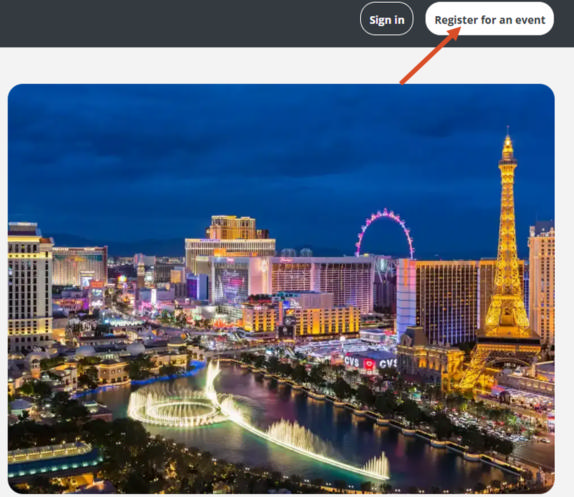
- To start your registration process, click the “Register” or "Buy Passes" button.
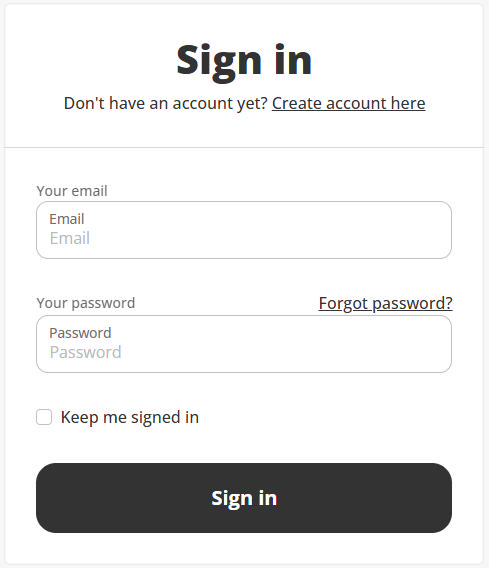
- Either log in with your email and password, or if you don’t have your personal profile yet, click on “Create account here”.
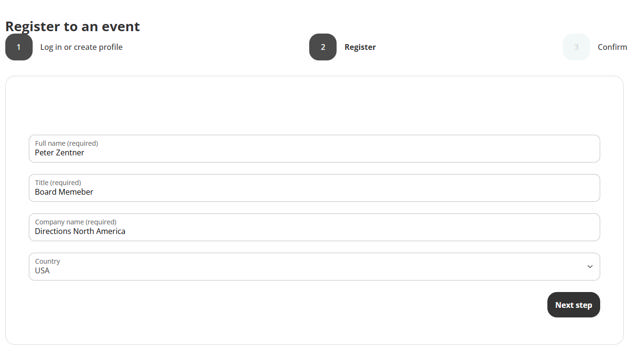
- Then you will need to fill in your personal information as your full name, title, company name, country, your products interest, and additional information.
- Next, you will need to check the box to accept the Terms and Conditions
(Must be in the Microsoft Dynamics Partner community). - Finally, confirm the registration after which you will get a confirmation email.